A palette for skin
Titanium white, yellow ochre, a warm red such as cadmium red light, burnt sienna, burnt umber and ultramarine blue cover nearly every skin tone. Yellow ochre and burnt sienna do much of the work, because they are already warm and slightly muted, close to how skin looks.
| Skin tone | Start with | Then |
|---|---|---|
| Light | White with a little yellow ochre and red | A touch of burnt sienna for warmth |
| Medium | Yellow ochre, burnt sienna and white | A little red if it looks gray |
| Olive | Yellow ochre, white and a little burnt umber | A tiny touch of green or blue for the olive cast |
| Deep | Burnt umber and burnt sienna | Ultramarine to deepen, red or ochre to warm |
Adjust the undertone
- Too pink: add yellow ochre or burnt sienna.
- Too yellow: add a little red.
- Too orange or bright: add a touch of blue or green, which sit opposite it on the color wheel.
- Chalky or gray: there is too much white. Add the base color back rather than more white.
Shadows and highlights
Make shadows from the skin mix itself plus burnt umber or a little ultramarine, so they stay part of the same skin. Black tends to make shadows look dirty. For highlights, add white with a touch of yellow ochre or red, so the light parts stay warm instead of turning chalky.
Skin also changes across a face: cheeks, nose and ears are often warmer and redder, the jaw and temples cooler. Mix two or three variations of the base and place them where you see them in the reference.
Check against the reference
Put a dab of the mix right next to the skin in your reference, or on a printout, and compare them in the same light. Acrylic dries a little darker, so judge the final match on a dry dab.
Sources and further reading
Match the skin in your reference
Photograph your reference, or tap the skin in Study a reference, then photograph your mix. PaintCue says whether it’s too light or dark, too vivid or dull, and which way the hue leans, and names one paint to add next from the paints you own.
iPhone and Android · English and 简体中文 · Works offline
See how PaintCue works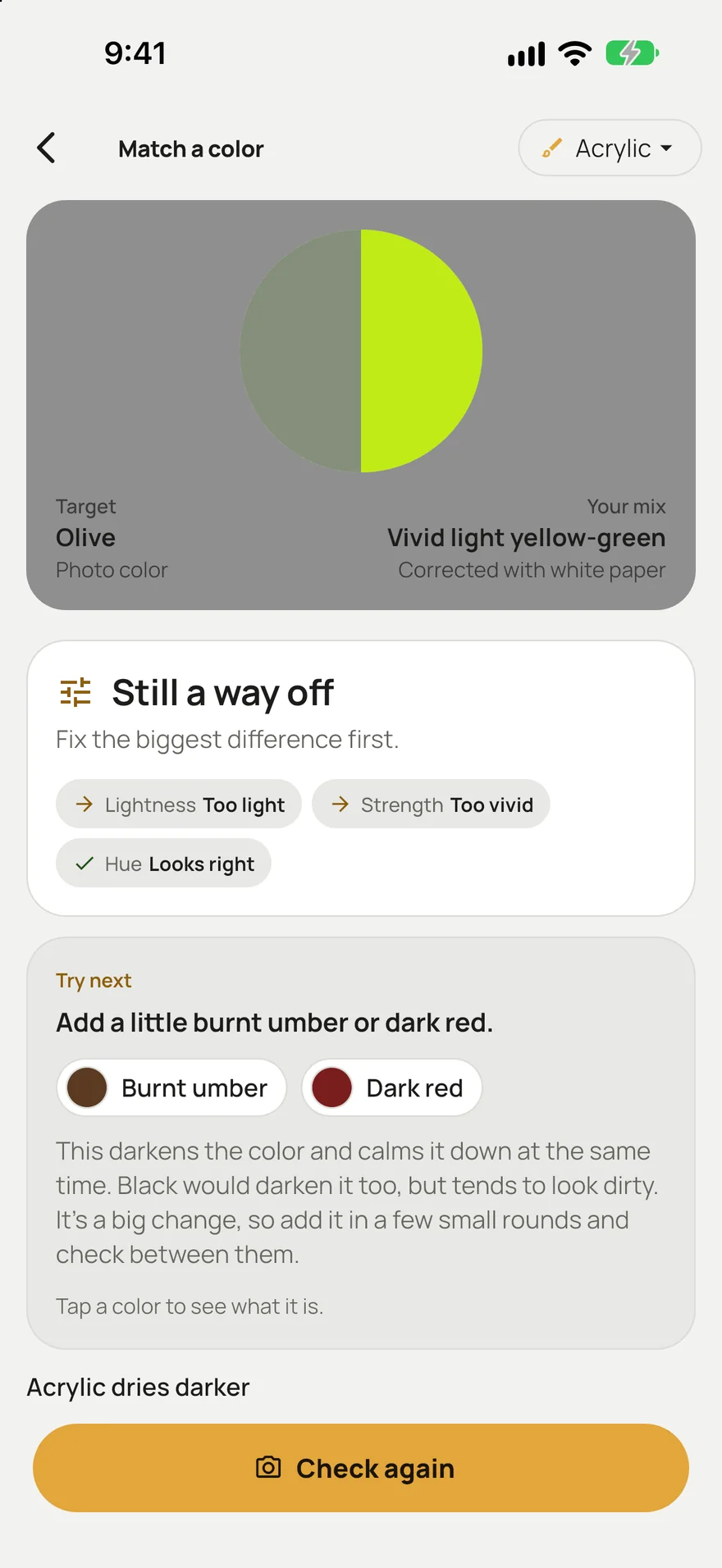
Questions
What colors make skin tone?
Red, yellow and white make a basic skin tone. Yellow ochre, burnt sienna and burnt umber make it more natural and let you mix deeper tones, and a little blue cools or darkens it.
How do I darken skin tone without black?
Add burnt umber, or a little ultramarine blue to the skin mix. Both darken it and keep it looking like skin, where black tends to make it gray.